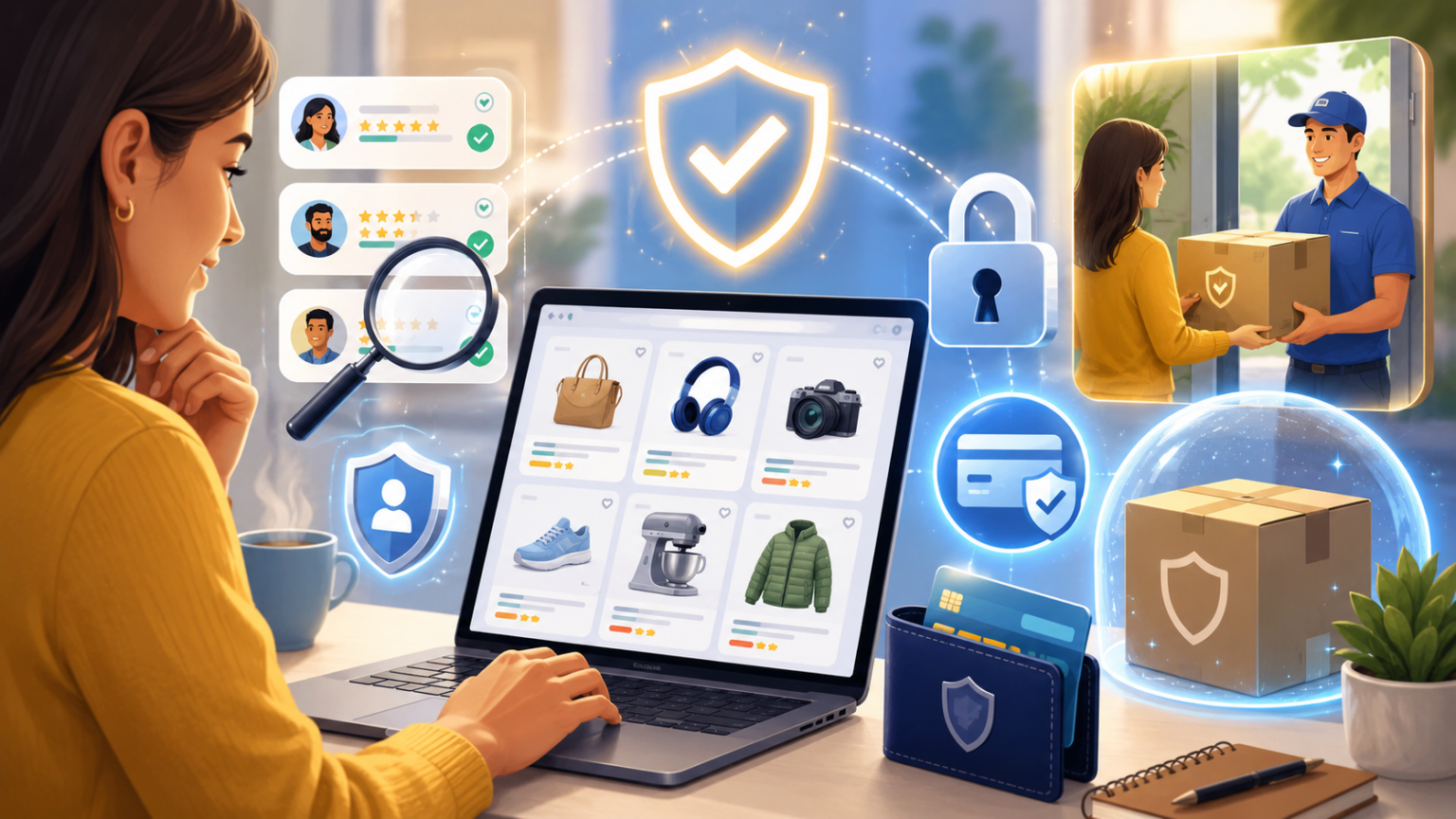
Online shopping has become second nature for most of us. A few taps, a saved card, and a package shows up at your door a few days later. But convenience has a flip side — the more platforms we shop on, the more places our data, our money, and sometimes our trust are on the line.
Whether you’re buying from a big-name retailer or a smaller marketplace you just discovered through an ad, the same core questions apply. Is my payment actually secure? Will the product match what I saw in the listing? And if something goes wrong, can I actually get my money back?
Here’s a practical rundown of what to look for before you check out anywhere.
Start with the payment page, not the product page
It’s easy to get caught up in a good deal and skip straight to checkout. But the payment page tells you more about a platform’s legitimacy than almost anything else.
Look for HTTPS in the URL, a recognizable payment processor, and the option to pay through a trusted third party like PayPal, Apple Pay, or Google Pay rather than only a bare card form. Platforms that follow PCI DSS standards — the same framework major retailers use — are handling your card data the way it’s supposed to be handled. If a site pressures you to pay through an unusual method, like a wire transfer or a gift card, that’s a red flag no discount is worth ignoring.
Read seller signals, not just star ratings
A five-star rating with two reviews means a lot less than a four-and-a-half-star rating with thousands. Look at how long a seller or store has been active, how many items they’ve sold, and whether the platform has any kind of verification badge for trusted sellers. Marketplaces that host third-party sellers, in particular, vary a lot in quality from one seller to the next, even on the same site.
Understand what “return policy” actually means
Every platform advertises returns, but the details matter. A 90-day window is very different from a 14-day one. Free return shipping on the first item is very different from you covering the cost. Before you buy something you’re not sure about, actually open the returns page and read it, rather than assuming it works the way your last favorite store did.
Don’t skip the permissions prompt
When you install a shopping app, it’ll ask for permissions — camera, contacts, location, sometimes microphone access. None of that is inherently suspicious, but it’s worth pausing on. An app that wants access to your entire photo library or your contact list to sell you a phone case doesn’t need that access to function. Fewer requested permissions generally means less exposure if something ever goes wrong on the company’s end.
Watch for the scam patterns, not just the scam sites
Most shopping scams don’t come from the platform itself — they come from people impersonating it. A text saying your package is stuck at customs and needs a small fee to release it. An email claiming your account was locked and needs “verification.” These messages almost always try to get you to click a link and enter payment or login details somewhere that isn’t the official app or site. Legitimate platforms will never ask you to confirm sensitive details through a random text message.
When you’re evaluating a specific platform, do the homework
General good habits go a long way, but sometimes you want a deeper answer for one specific platform you’re considering. If you’ve been eyeing Temu, for example, there’s a detailed breakdown of its payment security, data practices, and seller verification worth reading before you make a first purchase.
The bigger picture
Online shopping isn’t getting less complicated — new platforms, new payment methods, and new marketplaces keep showing up. The good news is the checklist doesn’t really change: secure payment, transparent seller information, a real return policy, and a healthy skepticism toward anything that feels rushed or too good to be true.
A few extra minutes of checking before you buy is a small price for a lot fewer headaches later.